
In this article:
What is Manage Works?
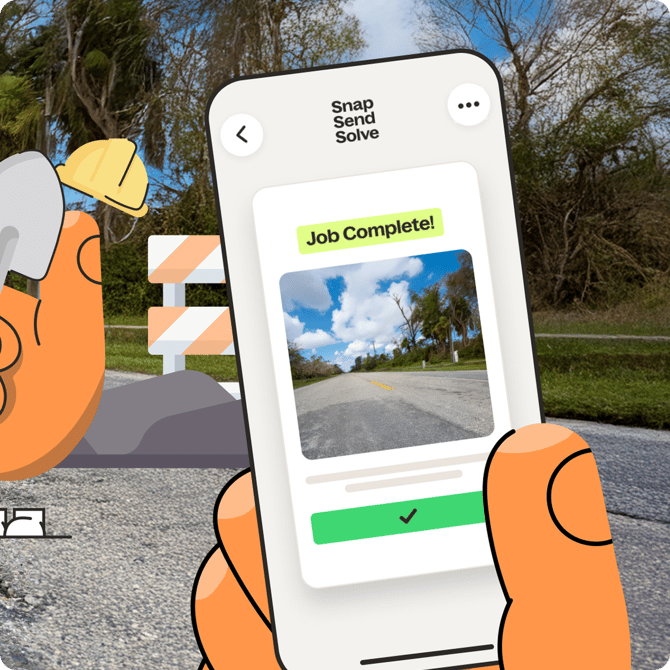
Manage Works turns a report into an actionable Work Order that can be scheduled, assigned to a Field Technician and tracked through to completion without leaving your Snap Send Solve workflow. Field teams can access key Work Order details through a dedicated app, complete the work and upload an after photo when the job is done for a Snapper to view.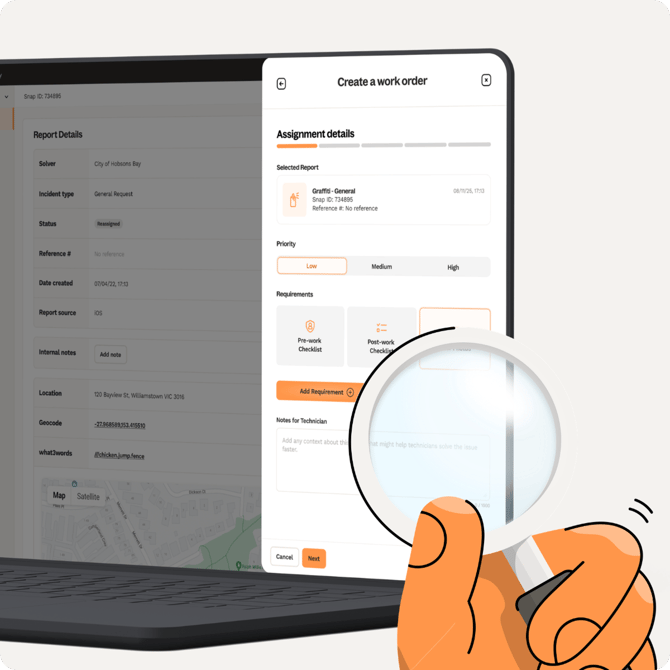
Key terms
- Work Order - a field job created from a report and assigned to a Field Technician
- Field Technician - the person completing the work in the Solve App
- Report Status - the status of the original community report
- Work Order Status - the status of the work order itself
Note: Report Status and Work Order Status are tracked separately. Updating one does not automatically update the other.
Who is Manage Works for?
- Solvers (schedulers, depot leads and admins) can manage and allocate Work Orders in the Portal
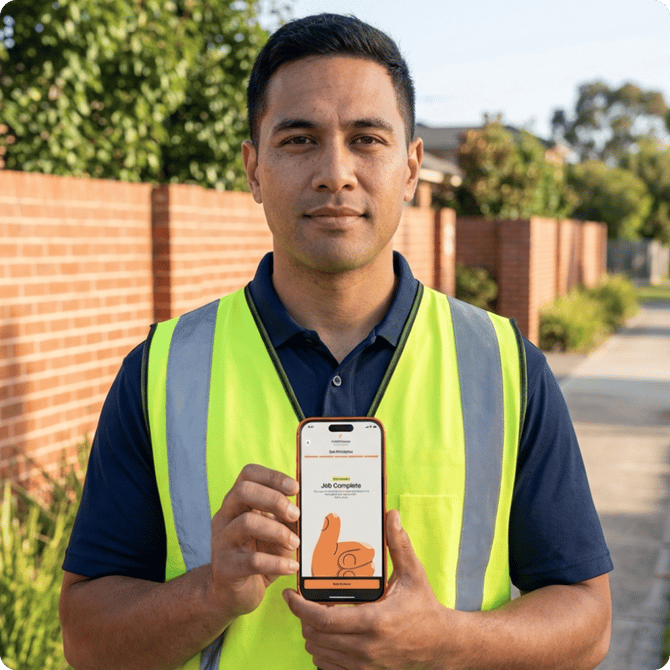
- Field Technicians view and action their assigned jobs in the Solve App, available for iOS and Android
- Snappers will be notified when a work order is done and see an After Photo of the completed job if provided by the Solver
Summary
Manage Works connects community reports to field work, giving Solvers a single place to schedule and track jobs, and technicians a simple way to manage their day. Next, learn how to create and edit a Work Order in the Portal.